
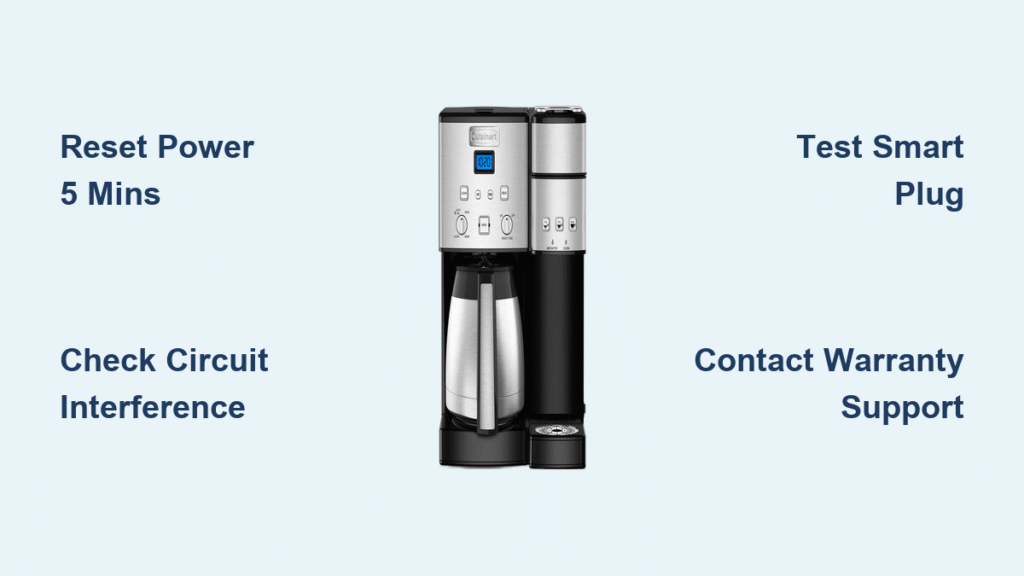
Your morning ritual shatters when your Cuisinart coffee maker timer not working leaves you staring at a dark display or sipping cold coffee brewed hours too early. That 5:50 AM brew cycle starting at 3:30 AM isn’t just inconvenient—it derails your entire schedule before sunrise. If your Cuisinart SS-220 Coffee Center stubbornly resets to 12:00 AM daily or races through time like a caffeine-fueled sprinter, you’re facing a specific malfunction with proven solutions. This guide delivers targeted fixes for your Cuisinart coffee maker timer not working issue, whether it’s a simple electrical conflict or a warranty-covered hardware failure.
Clock Resets to 12:00 AM Daily
When your Cuisinart SS-220 Coffee Center’s display snaps back to midnight regardless of your settings, you’re dealing with a critical failure—not user error. This specific symptom indicates the control board can’t retain time data, disrupting your entire automated routine. Since your unit purchased in April 2022 remains under Cuisinart’s 3-year warranty, this isn’t a DIY repair but a replacement opportunity.
Perform Extended Power Reset
Unplug your coffee maker for at least 5 full minutes—not the typical 30-second reset. This extended disconnection fully drains residual power from the control board’s capacitors. After reconnecting, reset the clock and monitor for 24 hours. If the time holds, you’ve cleared a temporary glitch. But if it reverts to 12:00 AM, the control board’s memory chip has failed. Don’t waste time on repeated resets; this requires professional intervention.
Control Board Failure Symptoms
Persistent midnight resets after an extended power reset confirm electronic control board failure. The SS-220’s board manages all timing functions, and when its memory chip corrupts, time retention becomes impossible. Critical action step: Contact Cuisinart immediately with your purchase receipt. This qualifies as a manufacturing defect under warranty—no parts or labor costs. Users report successful replacements for similar hardware failures, so document your reset attempts when filing the claim.
Timer Brews Coffee Hours Early
Discovering your coffee brewed at 3:30 AM instead of 5:50 AM means your clock runs fast due to electrical interference—not internal failure. Unlike midnight resets, this issue stems from external noise distorting the quartz oscillator’s signal. The solution lies in your kitchen’s power environment, not the coffee maker itself.
Identify Electrical Interference Sources
Audit all devices sharing your coffee maker’s circuit. Problematic culprits create “line noise” that accelerates digital timing:
– LED dimmer switches on overhead lighting
– Auto-dimming night lights plugged into adjacent outlets
– Multi-outlet adapters with USB charging ports
– Smart home hubs or variable-load appliances
These devices introduce harmonic distortions that trick the quartz oscillator into overcounting seconds. The SS-220’s technical specifications confirm its sensitivity to voltage irregularities despite using internal quartz timing.
Circuit Isolation Test
Move your coffee maker to a circuit on a different breaker—like a bedroom or living room outlet. Run this test for 24-48 hours while monitoring brew times. If timing stabilizes, electrical interference is confirmed. Pro tip: Check for flickering lights when other appliances activate; this visual cue indicates circuit sharing. Once verified, permanently relocate interference sources rather than accepting inaccurate brewing.
Smart Plug Workaround Solutions
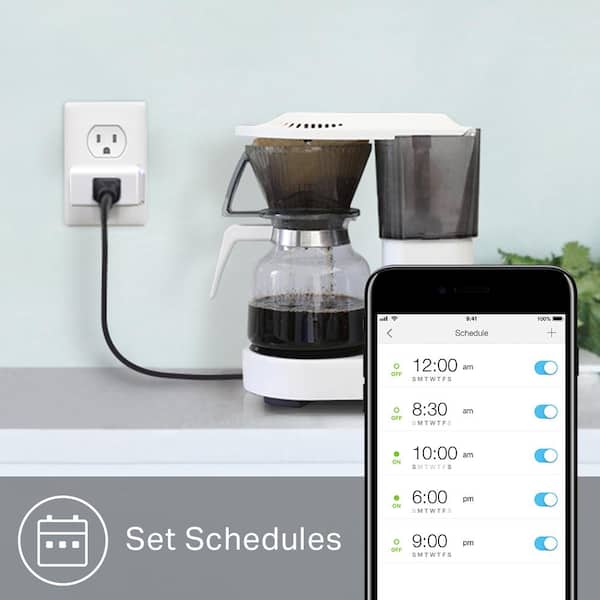
When internal timers fail completely, smart plugs bypass the malfunction by controlling power externally. This solution works best for toggle-switch models but requires compatibility testing before purchase.
Test Smart Plug Compatibility
Follow this critical sequence:
1. Unplug your coffee maker
2. Press the physical power button once
3. Reconnect power while observing the unit
4. If brewing starts automatically: Smart plug compatible
5. If requiring manual button press: Smart plug ineffective
This test determines whether your model activates on power restoration—a prerequisite for smart plug scheduling. Many Cuisinart models fail this test, so verify before investing in hardware.
Recommended Smart Plug Setup
Choose plugs with scheduling and manual override (like TP-Link Kasa). Program your desired brew time via smartphone app while keeping the coffee maker’s physical switch “on.” Enable the 30-minute auto-shutoff feature for safety. Warning: Never use smart plugs with button-activated models—this creates dangerous dry-boil scenarios when the unit won’t power on automatically.
Manual Brewing Backup Plan
When immediate repairs aren’t possible, this pre-preparation method ensures hot coffee within 2 minutes of waking—no timer required.
Night Before Setup
Complete these steps before bed:
– Measure coffee grounds into the filter basket
– Fill the water reservoir to your desired level
– Position the carafe correctly under the brew head
– Leave the power switch in “off” position
This setup preserves freshness while eliminating morning decision fatigue. Your coffee quality remains unaffected since grounds contact water only during brewing.
Morning Activation Process
Upon waking, simply flip the power switch. Brewing starts immediately with no additional steps. While less convenient than automation, this method guarantees hot coffee 99% of mornings—far more reliable than a malfunctioning timer. Track your success rate; most users find this preferable to unpredictable automated brewing.
Warranty Replacement Process

Cuisinart’s 3-year warranty explicitly covers timer malfunctions as manufacturing defects. Since your SS-220 purchased in April 2022 remains active through 2025, replacement is your strongest option for control board failures.
Contact Cuisinart Support
Reach out through:
– Email: [email protected] (include photos of the reset issue)
– Phone: Request the current support number via email first
– Documentation: Purchase receipt, model number (SS-220), and detailed problem description
Key strategy: Mention “control board failure” and “midnight reset” in your initial contact. Users report faster resolution when describing symptoms using Cuisinart’s technical terminology from service manuals.
Replacement Timeline
Expect 7-10 business days for processing after approval. While Cuisinart documents more heating element replacements than timer-specific claims, their warranty terms cover all electronic failures. Request expedited shipping if you’ve documented multiple reset attempts—support teams often prioritize cases with thorough troubleshooting records.
Prevent Future Timer Issues
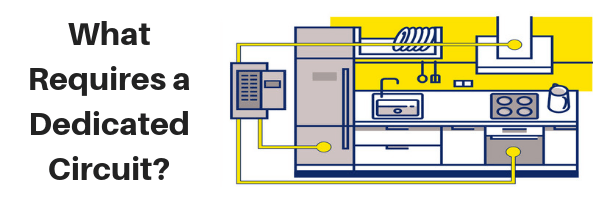
Protect your investment with these proactive measures that address the root causes of timer malfunctions.
Dedicated Circuit Installation
Install a 20-amp circuit exclusively for your coffee maker. This $200-$400 electrical upgrade eliminates interference from other appliances. Critical benefit: Consistent voltage prevents both time acceleration and premature component failure. When combined with monthly electrical audits (checking for loose outlets or unusual sounds), this extends your unit’s lifespan toward the documented 9-year maximum.
UPS Power Protection
Deploy a 600-900VA Uninterruptible Power Supply between your coffee maker and wall outlet. Unlike basic surge protectors, UPS units smooth voltage fluctuations that disrupt quartz oscillators. Choose models with pure sine wave output for optimal compatibility. This $80-$120 investment prevents both timer drift and capacitor damage during brief power outages.
Troubleshooting Decision Tree
Clock resets to 12:00 AM? → Perform 5-minute power reset → Still failing? → Contact Cuisinart warranty service immediately
Brewing hours early? → Move to different circuit → Timing correct? → Eliminate interference sources → Problem persists? → Install UPS protection
Need immediate solution? → Test smart plug compatibility → Compatible? → Set up scheduling → Incompatible? → Implement manual pre-prep method
Your Cuisinart coffee maker timer not working issue has clear resolution paths—no more cold coffee or pre-dawn brewing surprises. For hardware failures like midnight resets, warranty replacement is your fastest route to reliability. When electrical interference causes early brewing, circuit isolation or UPS protection delivers permanent fixes. Document every troubleshooting step before contacting Cuisinart; their support team prioritizes cases with detailed evidence of control board failures. Within days, you’ll reclaim your morning ritual with perfectly timed coffee brewing exactly when you need it.



